
It Looks Simple — Because It's Designed to Be
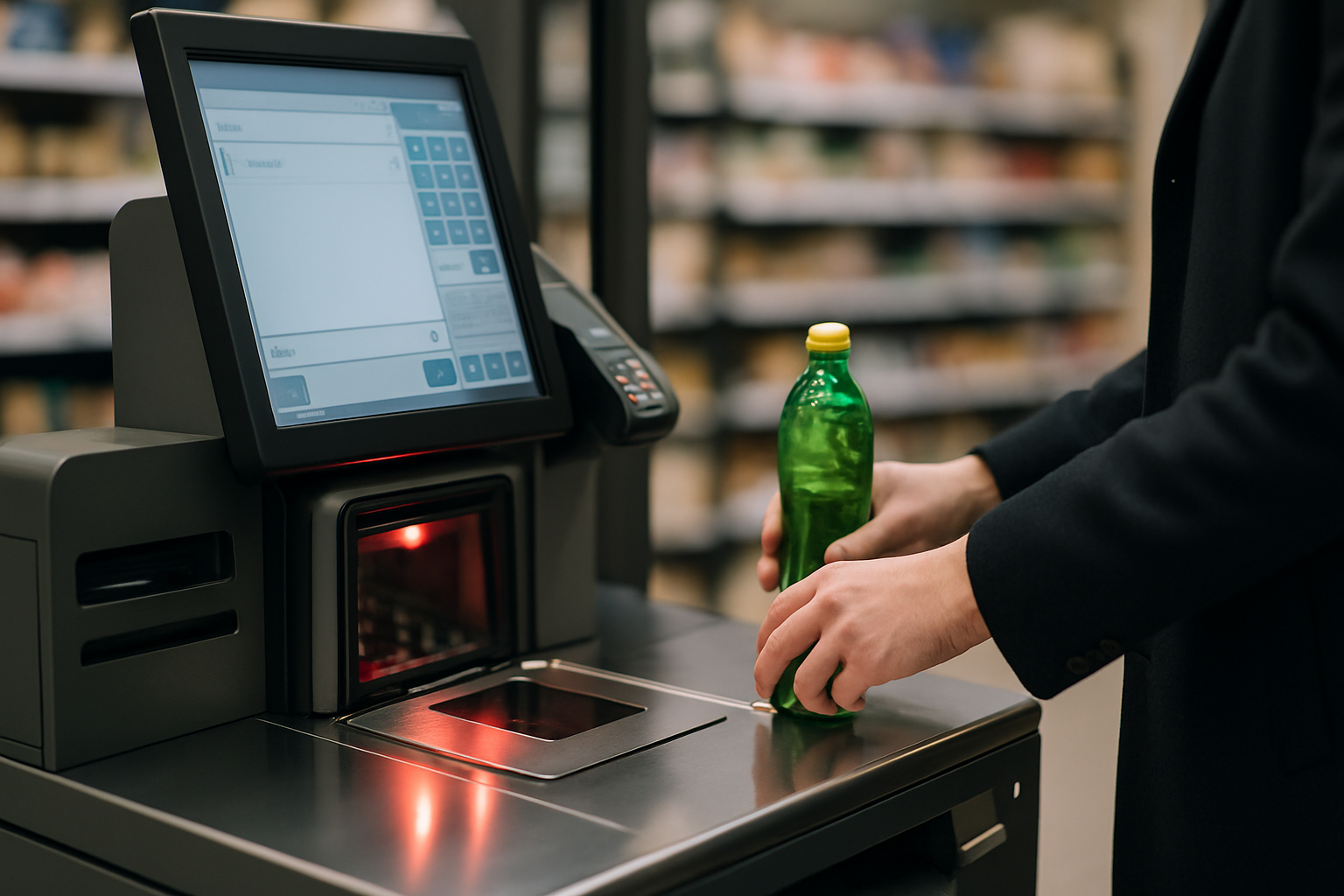
Walk up to a micro-market kiosk, grab a sandwich, scan it, tap your card, and go. From the outside, the experience feels almost effortless. That simplicity, though, is the product of several interconnected technologies working quietly in the background — and understanding how they fit together can help you make smarter decisions about the unattended retail program you're evaluating or already running.
This post isn't a spec sheet. It's a plain-language tour of what's actually happening inside a modern self-checkout kiosk, from the moment a shopper touches the screen to the moment that transaction hits your reporting dashboard.
The Touchscreen: Your Shopper's Front Door
The touchscreen interface is the part of the kiosk every shopper interacts with, which makes it the most consequential piece of the entire system. A well-designed kiosk UI guides a first-time user through a purchase in under a minute — no instructions needed.
Modern kiosk screens are built around the same intuitive logic as smartphone apps. Large product images, clear pricing, simple navigation, and a minimal number of taps to complete a transaction all reduce friction at the point of sale. Many operators find that when the interface is intuitive enough, even employees who were initially skeptical about the self-checkout format adapt within days.
Behind that interface, the software also handles real-time product display — so if something is out of stock, it simply doesn't appear as a purchasable option. That keeps frustration low and trust in the system high.
Barcode Scanning: Fast, Accurate, and Flexible
Once a shopper picks up an item, the barcode scanner does the heavy lifting of product identification. Today's scanners read standard UPC barcodes quickly and reliably — even on crinkled packaging or curved surfaces — and they're increasingly capable of reading QR codes and other formats as point-of-sale use cases evolve.
What matters most from an operator standpoint is that the scanner ties directly into the product catalog. Every scan pulls up the correct item name, price, and any applicable promotions instantly. That tight connection between the scanner and the software database is what prevents pricing mismatches and keeps the checkout flow moving without hiccups.
Payment Processing and Tokenization: Where Security Happens
Payment is the moment in any retail transaction where trust is most on the line. Modern micro-market kiosks accept a wide range of payment types — credit and debit cards, contactless tap payments, mobile wallets, and often pre-funded accounts tied to an employee badge or app.
The critical security layer underneath all of that is tokenization. When a shopper's card is used, the actual card number is never stored on the kiosk or transmitted in raw form. Instead, the payment processor converts it into a unique token — a stand-in identifier that's useless to anyone who might intercept it. The real transaction is handled securely between the payment processor and the card network, following industry-standard PCI compliance protocols.
For workplace decision-makers, this matters because it shifts significant liability and complexity away from you and onto the payment infrastructure that's purpose-built to handle it.
Cloud Inventory Sync: The Nervous System of the Market
Every scan at the kiosk doesn't just complete a transaction — it also sends a signal to the cloud. That signal updates the inventory count for that specific product in real time, which is the foundation of a well-run micro-market operation.
Here's what cloud-connected inventory management actually enables:
-
Automated reorder alerts that notify operators when a product is running low, before it runs out completely.
-
Sales trend visibility so operators can see which items sell well at which locations and adjust their product mix accordingly.
-
Shrinkage tracking that flags discrepancies between what should be on the shelf and what's actually been sold.
-
Multi-location management from a single dashboard, without requiring someone to physically visit each market to take stock.
-
Planogram support so restocking staff know exactly what goes where and in what quantity.
For operators managing dozens or hundreds of locations, this layer is what makes the business scalable. Manual inventory counts can't keep up with the pace of a busy workplace market — cloud sync can.
Remote Monitoring: Eyes on the Market, Without Being There
One of the most practical advantages of a connected kiosk platform is the ability to monitor market health from anywhere. Remote monitoring means that operators and their service teams can see — in real time — whether a kiosk is online, whether a cooler is holding temperature, or whether a payment reader is experiencing an error.
When something does go wrong, a remote alert can get a technician dispatched before a shopper even notices the problem. Many operators find this capability dramatically reduces the cost and disruption of on-site service calls, because issues are caught early rather than after they've compounded.
For facilities managers and HR leaders, the practical implication is reliability. A micro-market that's monitored remotely is one that stays stocked, stays functional, and stays trusted by the employees who depend on it.
How the Pieces Fit Together
It's worth stepping back to see the full picture. The touchscreen creates the shopper experience. The scanner identifies the product. The payment processor handles the transaction securely. The cloud updates inventory and surfaces data. Remote monitoring keeps the whole system running smoothly. None of these layers works well in isolation — the value of a modern self-checkout kiosk comes from how tightly they're integrated.
When you're evaluating a micro-market partner, it's worth asking not just about each component individually, but about how they talk to each other. A kiosk built on a unified platform — where the UX, payments, inventory, and monitoring are all designed to work together — will always outperform a patchwork of disconnected systems.
The Takeaway for Buyers and Operators
You don't need to be a technologist to run a successful micro-market program. But having a clear picture of what's working under the hood helps you ask better questions, set realistic expectations, and hold your technology partner accountable.
At Three Square Market, the kiosk is just the visible tip of a deeper platform — one designed to make unattended retail dependable, data-driven, and easy to manage at scale. If you're ready to see how that platform fits your location, request a proposal today and our team will walk you through a solution built around your specific needs.